Upgrades
Best Upgrade Options for an Older Desktop PC
Learn which desktop upgrades usually make the biggest difference on older PCs, including SSD, RAM, cooling, and workload-based decisions.
- desktop PC
- upgrades
- SSD
- RAM
Upgrades
Best Upgrade Options for an Older Desktop PC
What's in this guide
Older desktop PCs can age surprisingly well when the right parts are improved. That is because desktops are usually easier to service, easier to cool, and often more flexible than laptops. The mistake people make is upgrading the wrong thing first.
The best upgrade is not always the biggest one. It is the one that removes the bottleneck you feel every day.
Storage is still the highest-impact starting point
If the computer still runs on an older hard drive, moving to solid-state storage is usually the most noticeable improvement available.
That change can improve:
- Boot time
- Program launches
- General responsiveness
- Update behavior
It is one of the few upgrades that can make an older desktop feel modern again in daily use without changing how you work.
Memory matters when multitasking is the pain point
If the system bogs down when you open many tabs, work in spreadsheets, run meetings, or switch between programs, memory may be the bigger constraint.
Signs memory could be part of the problem:
- The PC gets worse as more apps open
- Browser-heavy work slows everything down
- The machine recovers after a restart, then degrades again under load
That is where a RAM upgrade can matter more than people expect.
Cooling and cleanup are often overlooked
Performance is not only about specs. Older desktops can get slower because dust buildup, fan issues, and heat change how the system behaves over time. That is especially true if the machine has been running for years without being opened or cleaned.
A desktop that sounds louder, runs hotter, or slows down during longer sessions may need more than a parts conversation.
GPU and power upgrades are workload-specific
For general home and office use, graphics-card upgrades are often not the first priority. For gaming, creative apps, or specialized workloads, they may matter a lot more.
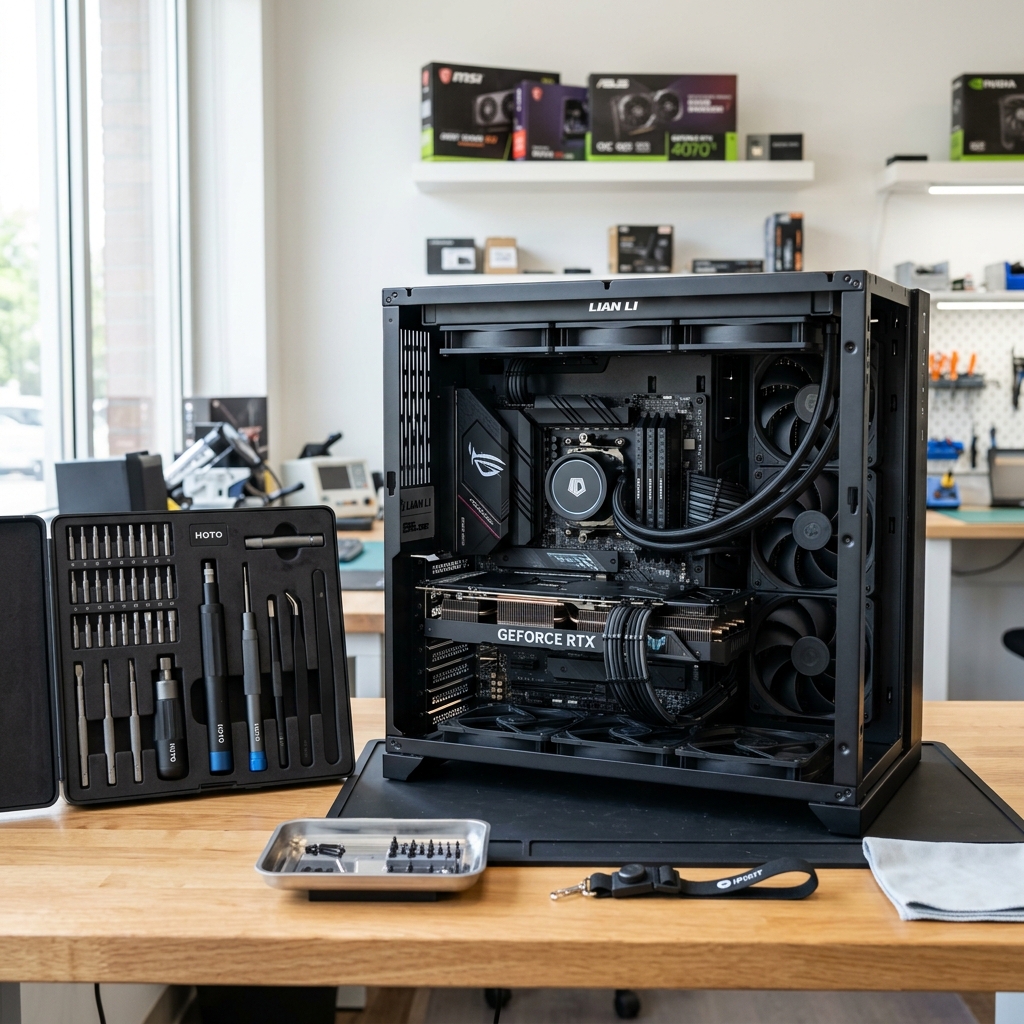
That is why gaming and performance builds need a different conversation than ordinary office desktops. A machine used for browsing, documents, and remote work may benefit more from storage and memory. A custom build or gaming tower may justify broader performance planning through custom gaming PC services.
Sometimes the best upgrade is knowing when to stop
Not every older desktop deserves a long parts list. If the platform is already limited in ways that block your actual work, piling on upgrades can become inefficient.
The better question is: after the upgrade, will the desktop do the job you need for the next phase of use? If yes, upgrading can be smart. If no, replacement planning may be cleaner.
Good upgrade decisions are practical, not theoretical
The most successful desktop upgrades are rarely the most dramatic. They are the ones that remove the real source of friction: slow storage, limited memory, too much heat, or a mismatch between the hardware and the workload.
That is why older desktops often deserve a little more patience before they get written off. They are one of the few computer types that can still respond very well to targeted, sensible improvements.