!
Windows PC keeps blue-screening or crashing
2365 Marron Rd, Unit B
Windows computer repair
PC repair is often what people mean when they are really talking about a Windows computer that has become unreliable. Whether it is a desktop or laptop, we focus on Windows-specific repair issues in Carlsbad rather than general mixed-device intake.
Windows PC repair in Carlsbad for desktops and laptops with blue screens, driver problems, startup errors, and practical system instability.
What we cover
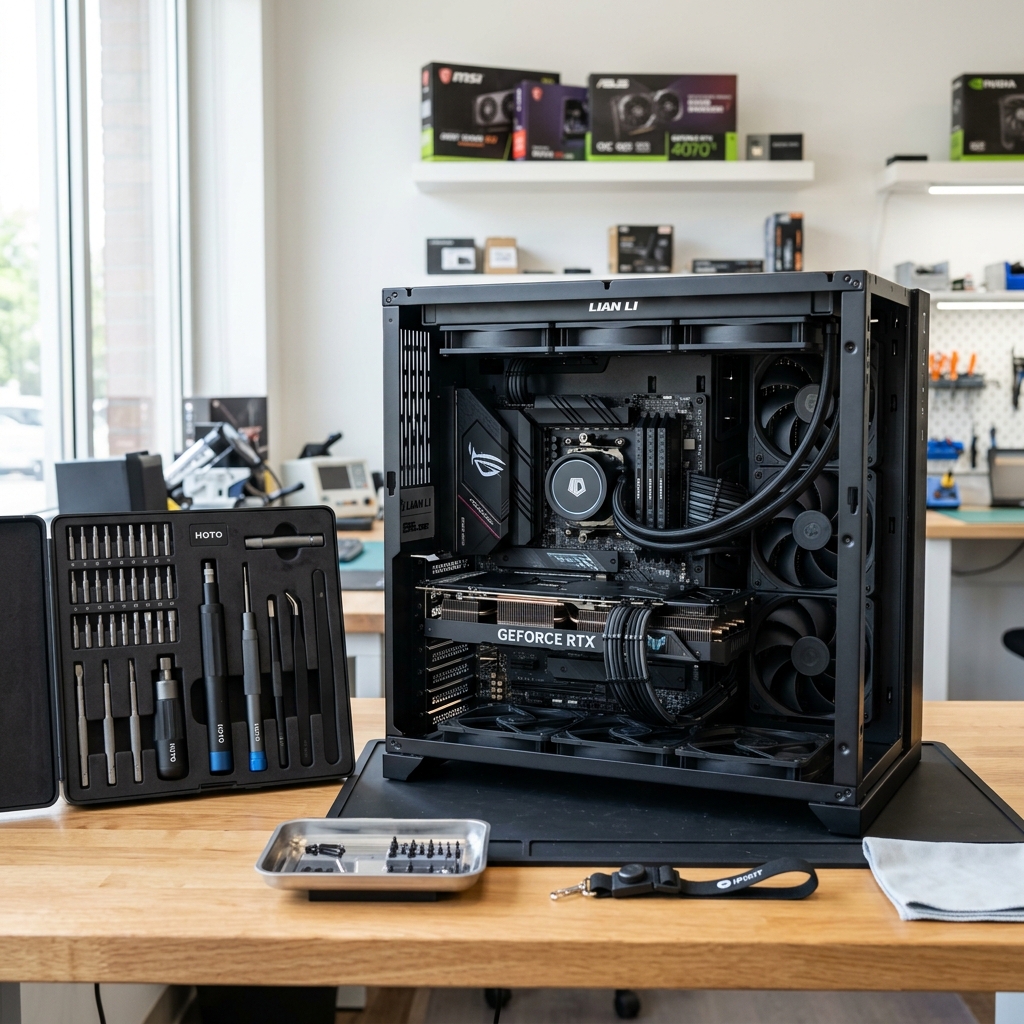
Windows PC diagnostic screen and hardware tools laid out on a Carlsbad workbench.
Is This You?
People usually search by the problem they can see, not the technical repair name. These are the symptoms this page is designed to help with.
Windows PC keeps blue-screening or crashing
PC is stuck in restart, update, or boot-repair loops
Drivers, peripherals, or hardware changes caused new instability
Windows starts but feels unreliable, corrupted, or extremely slow
Sound familiar? Get a quote or service response started today.
Service Details
Some repair cases are clearly tied to Windows behavior, system files, boot configuration, updates, or driver conflicts rather than a broad mixed-device problem.
A PC can look like it has a software issue while actually suffering from storage, memory, thermal, or motherboard instability underneath.
PC repair is not just about getting the machine to boot once. It is about returning it to stable everyday use for work, gaming, or home tasks.
What the Service Includes
Supported Devices and Systems
What to Expect
Mention blue screens, update loops, login issues, or recent hardware and software changes so the repair path starts with the right context.
The goal is to separate corrupted Windows behavior from failing storage, RAM, or other unstable internal components.
Once the system is understood better, the shop can explain whether the best next step is repair, cleanup, upgrades, or a broader hardware conversation.
Ready to start?
If this sounds like the right repair path, start the request now or call for the fastest next step.
Proof and Reviews
Carlsbad, CA
Review coming soon
PendingWe are collecting verified reviews from residential customers. Check back soon or call the shop to hear what others have said about their experience.
Carlsbad, CA
Review coming soon
PendingWe are collecting verified reviews from customers who needed virus or malware removal. Reach out to hear how we have helped others with security concerns.
Estimate Guidance
PC repair pricing depends on whether the issue stays in the operating system layer or turns out to involve failing hardware, replacement parts, or more than one correction step.
Turnaround Expectations
Timing depends on how far the PC gets into startup, whether hardware testing is needed, and whether the fix is contained to Windows repair or expands into component replacement.
Why Choose Us
Customers around Carlsbad often search specifically for PC repair when the device is Windows-based and they want someone local to sort out whether the issue is software, hardware, or both. The Marron Rd shop gives them a direct place to call and visit for that diagnosis.
Location
Service FAQ
Related Services
repair
General computer repair in Carlsbad for startup failures, crashes, hardware faults, slow systems, and mixed home or office device issues.
repair
Desktop computer repair in Carlsbad for tower startup failures, crashes, noisy systems, hardware faults, and workstation instability.
repair
Slow computer repair in Carlsbad for lagging laptops and desktops that take too long to boot, freeze often, or struggle with normal tasks.
Helpful Articles
Repair Guides
How to Choose the Best Computer Repair Shop in Carlsbad
A practical guide to comparing local computer repair shops in Carlsbad without falling for vague promises or lead-generation sites.
Read article
Maintenance
How to Speed Up a Slow Windows PC
A practical checklist for improving a slow Windows PC before you assume the machine is ready for replacement.
Read article
Security
How Virus Removal Works
A plain-language look at what virus and malware cleanup usually involves, from symptom review to post-cleanup hardening.
Read articleNext Step
Use the request-service form to send the issue details first, or call the shop if the problem is urgent and you want the fastest response.