!
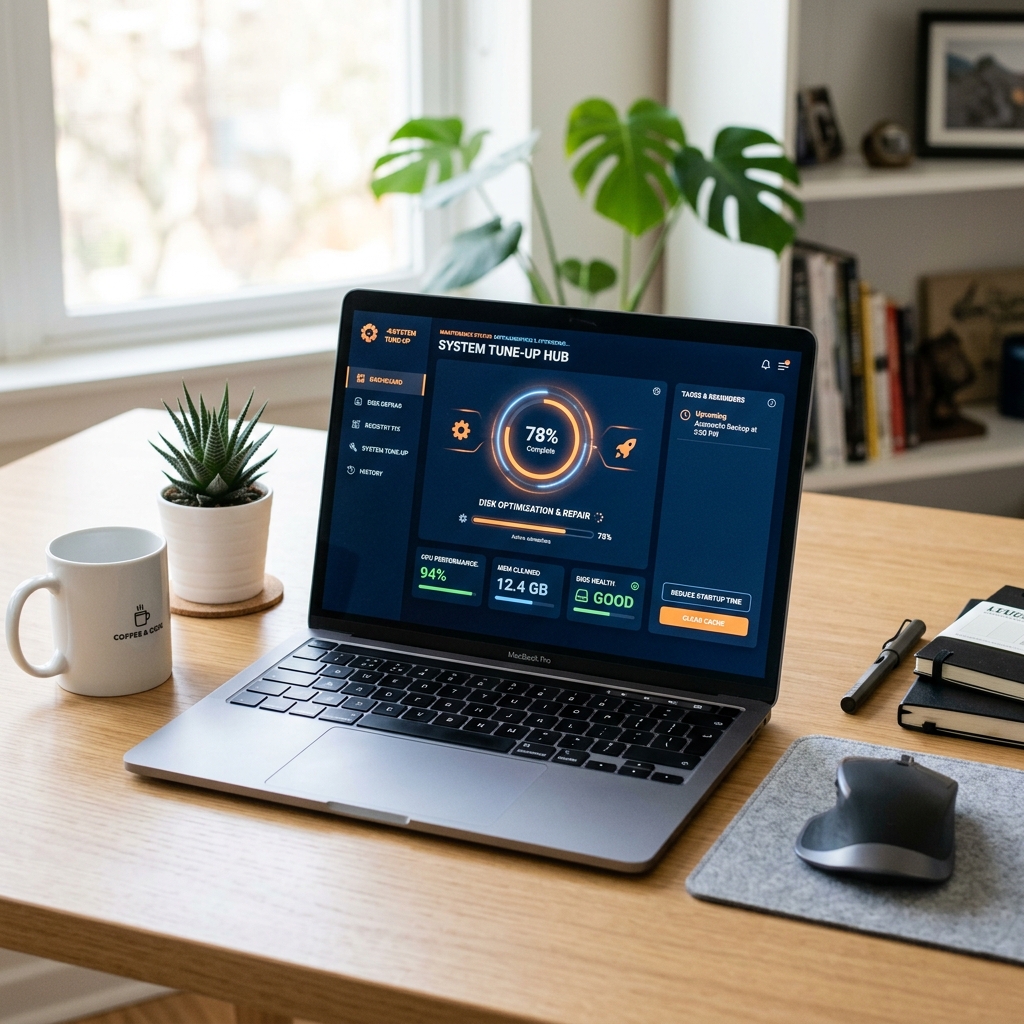
Computer slows down badly with many tabs or apps open
2365 Marron Rd, Unit B
Memory upgrades
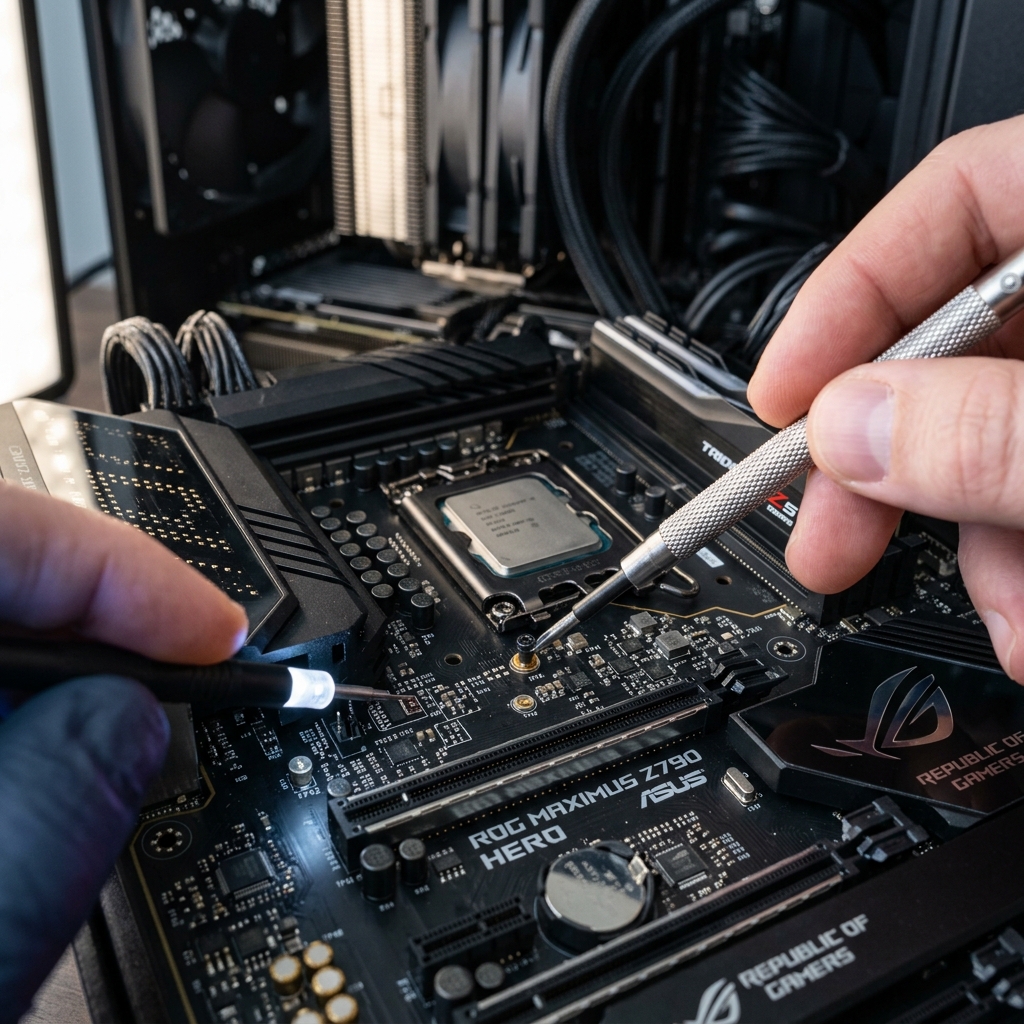
Memory upgrades make sense when a computer still works but feels cramped under normal multitasking, browser use, office workloads, or routine app switching. We focus on practical RAM upgrades in Carlsbad rather than generic “speed boost” promises.
RAM and memory upgrades in Carlsbad for computers that struggle with multitasking, browser load, office apps, or everyday responsiveness.
What we cover
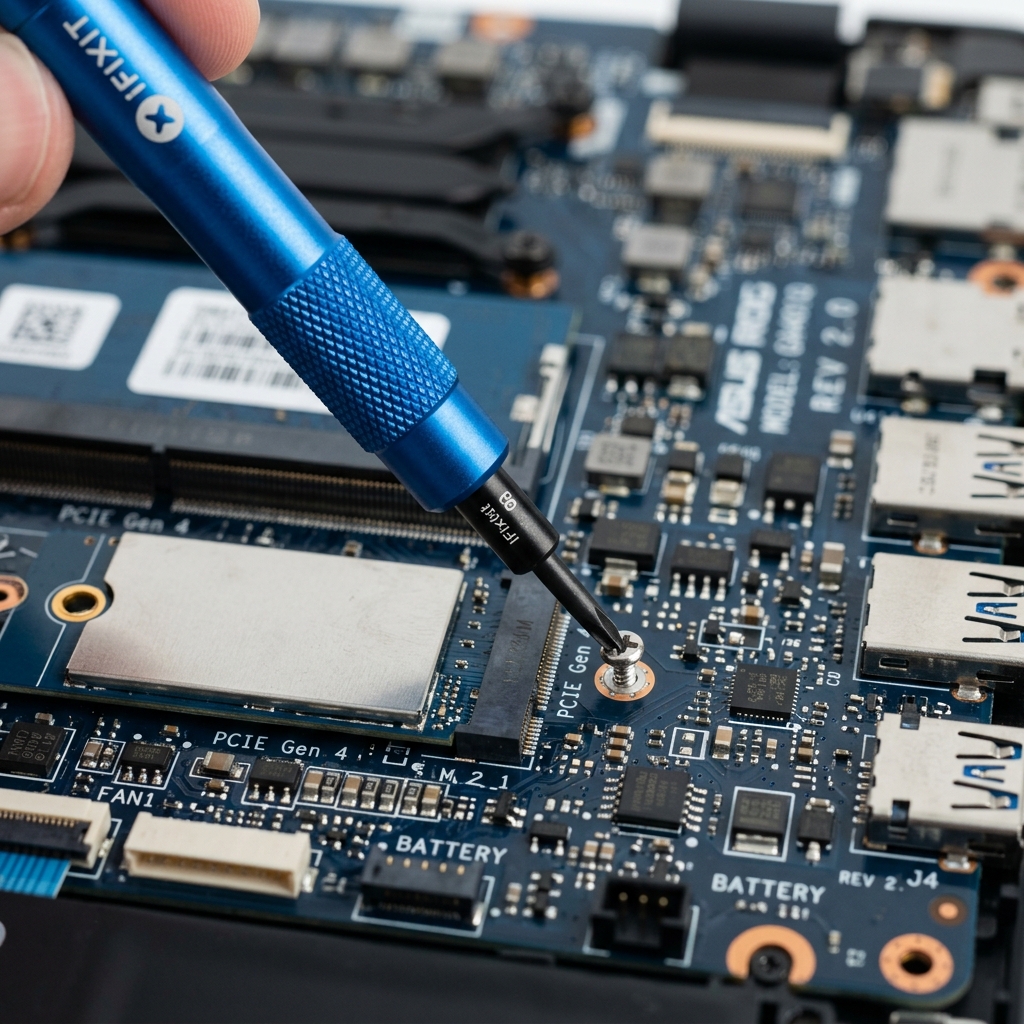
Memory modules and compatibility notes laid out during a RAM-upgrade consultation in Carlsbad.
Is This You?
People usually search by the problem they can see, not the technical repair name. These are the symptoms this page is designed to help with.
Computer slows down badly with many tabs or apps open
System freezes or stutters during routine multitasking
Everyday work feels cramped even when storage is not the main issue
The machine may need more usable memory, not just cleanup
Sound familiar? Get a quote or service response started today.
Service Details
Not every slow computer needs more RAM, which is why memory-upgrade conversations should begin by asking what the system actually struggles with day to day.
The right amount of memory depends on how the computer is used, not just the number that sounds bigger on paper.
Memory upgrades can help noticeably, but they work best when paired with realistic expectations about the rest of the machine.
What the Service Includes
Supported Devices and Systems
What to Expect
Mention whether the machine struggles with tabs, meetings, office apps, creative tools, or general day-to-day multitasking.
The shop can review whether the system supports the right memory upgrade and whether the result is still worth pursuing.
Once the memory path is clearer, the likely improvement and any related bottlenecks can be discussed honestly.
Ready to start?
If this sounds like the right repair path, start the request now or call for the fastest next step.
Proof and Reviews
Carlsbad, CA
Review coming soon
PendingWe are collecting verified reviews from customers who upgraded their computers. Ask us about SSD, RAM, and performance improvement results.
Estimate Guidance
Memory-upgrade pricing depends on the computer, compatible module requirements, and whether the machine also needs other work such as storage upgrades or tune-up maintenance.
Turnaround Expectations
Timing depends on the system type, compatibility checks, and whether the memory upgrade is a simple fit or part of a broader performance-improvement plan.
Why Choose Us
Many local customers are not sure whether they need RAM, SSD upgrades, or just cleanup. The shop’s Carlsbad location makes it easier to compare those options in one conversation instead of buying random parts first.
Location
Service FAQ
Related Services
repair
Slow computer repair in Carlsbad for lagging laptops and desktops that take too long to boot, freeze often, or struggle with normal tasks.
upgrade
Hard drive and SSD upgrades in Carlsbad for computers that need faster storage, better reliability, or replacement of aging drives.
upgrade
Custom gaming PC services in Carlsbad for build troubleshooting, upgrade planning, thermal issues, instability, and practical performance improvements.
Helpful Articles
Upgrades
Best Upgrade Options for an Older Desktop PC
The most practical desktop upgrades are usually the ones that improve the feel of everyday work, not the ones that look flashy on paper.
Read article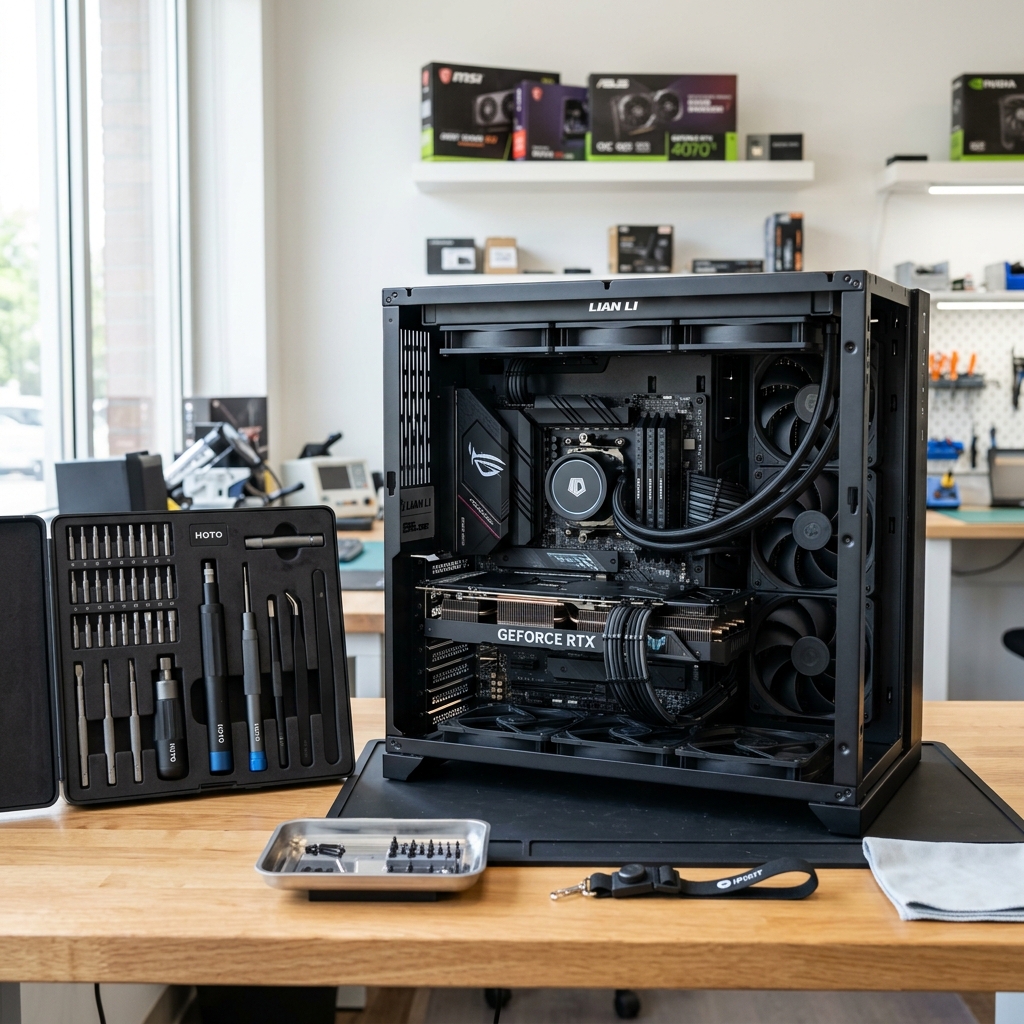
Repair Guides
Common Reasons a Laptop Won’t Turn On
Learn how to separate no-power problems from no-display problems and which laptop startup failures usually need repair.
Read article
Maintenance
How to Speed Up a Slow Windows PC
A practical checklist for improving a slow Windows PC before you assume the machine is ready for replacement.
Read articleNext Step
Use the request-service form to send the issue details first, or call the shop if the problem is urgent and you want the fastest response.