Mac & MacBook
Why Your MacBook Is Running Slow
Learn the common causes behind a slow MacBook, from storage pressure and background apps to overheating and aging hardware.
- MacBook
- slow Mac
- Apple repair
- performance
Mac & MacBook
Why Your MacBook Is Running Slow
What's in this guide
A slow MacBook does not automatically mean the machine is dying. Apple laptops slow down for the same broad reasons as other computers: limited free space, too many background tasks, heat, aging batteries, failing storage, or software that no longer fits the hardware comfortably.
The difficulty is that the slowdown often feels vague. The machine still works, but everything takes longer. That is where breaking the problem into patterns helps.
Storage pressure can affect normal responsiveness
MacBooks need working room. When storage gets tight, the system has less space for temporary operations, updates, and normal background tasks.
Common signs:
- The system pauses during app switching
- Updates take longer than expected
- Finder feels sluggish
- Large photo or video libraries behave poorly
If the slowdown is worst during file-heavy work, available storage should move high on the checklist.
Background apps and login items add up
Slow Macs are not always failing Macs. Sometimes they are crowded Macs.
Cloud sync tools, chat apps, browser tabs, security software, launch helpers, and menu-bar utilities can all add weight. None of them may be the single cause, but the combined effect can be enough to make the MacBook feel older than it is.
This is especially common when the machine has been used for years without a real cleanup pass.
Heat and battery condition can affect performance
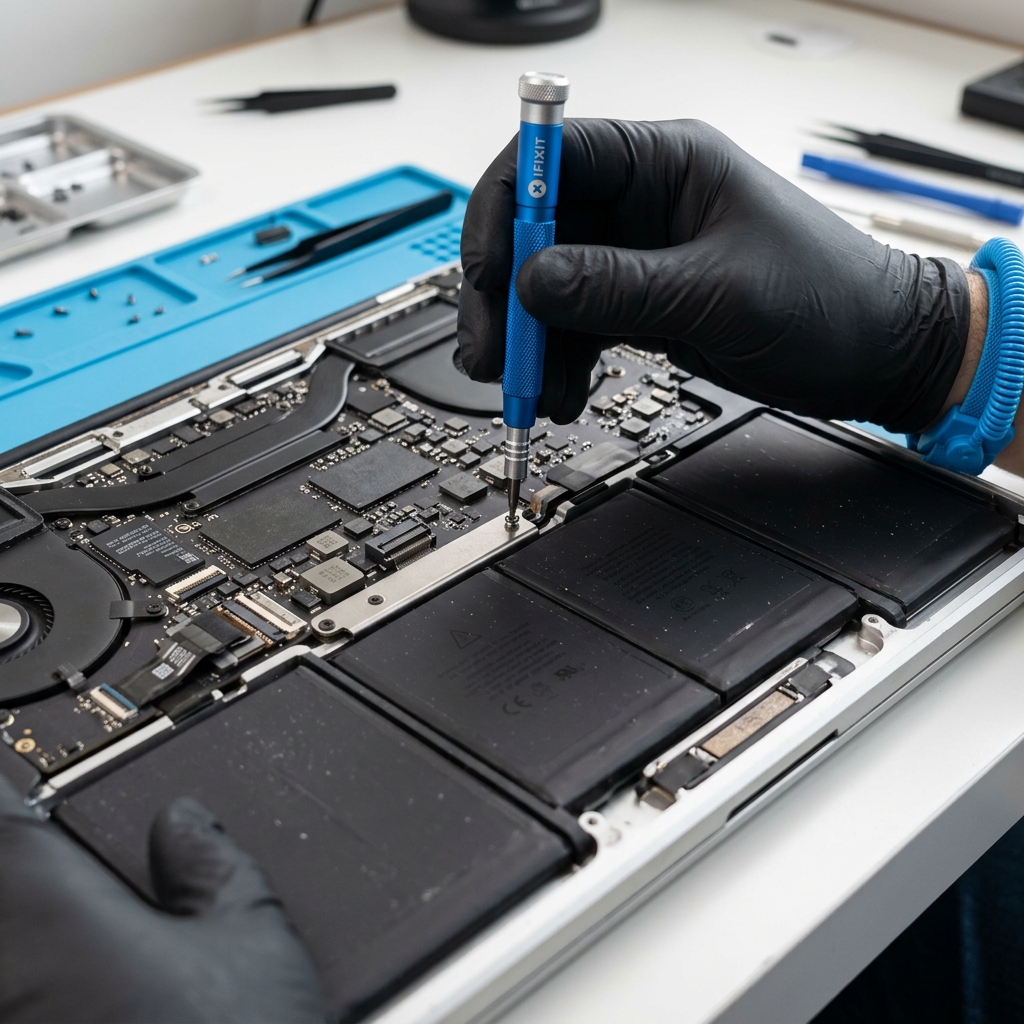
If the MacBook runs hot, becomes loud quickly, or feels much slower during longer work sessions, thermal behavior matters. Dust, aging fans, dried thermal material, and workload changes can all contribute.
Battery condition can matter too. A machine with battery issues may behave differently under load or while charging, and owners often interpret that only as “it’s slow now.”
Updates and application fit matter
Sometimes the MacBook itself is fine, but the software expectations around it have changed. Newer browsers, creative apps, conferencing tools, and heavier workflows can expose the limits of an older machine much faster than basic web use would.
That does not always mean replacement is required. It does mean the performance conversation should include what you ask the MacBook to do now, not what it handled well three years ago.
Not every slow MacBook needs the same answer
Depending on the pattern, the right next step might be:
- Cleanup and maintenance
- Storage evaluation
- A broader Mac repair path
- A general slow computer repair diagnosis
The main risk is treating every slowdown as the same issue. MacBook performance problems are often fixable, but only after the bottleneck is identified honestly.
A good diagnosis should explain the slowdown in plain English
The best outcome is not just “it’s fixed.” It is understanding why the MacBook became slow and what has to change to keep it usable. That might mean reclaiming storage, reducing background load, addressing thermal issues, or deciding whether the machine still fits your current workload.
A slow MacBook is frustrating because it is ambiguous. The solution starts when the ambiguity gets broken into something specific.