!
Computer takes several minutes to start or open basic applications
2365 Marron Rd, Unit B
Performance diagnosis
A slow computer does not automatically mean it is time to replace the machine. In many cases, the slowdown comes from a smaller number of causes such as failing storage, heat, software clutter, low memory, or startup overload. We sort those out so you get a clear answer.
Slow computer repair in Carlsbad for lagging laptops and desktops that take too long to boot, freeze often, or struggle with normal tasks.
What we cover
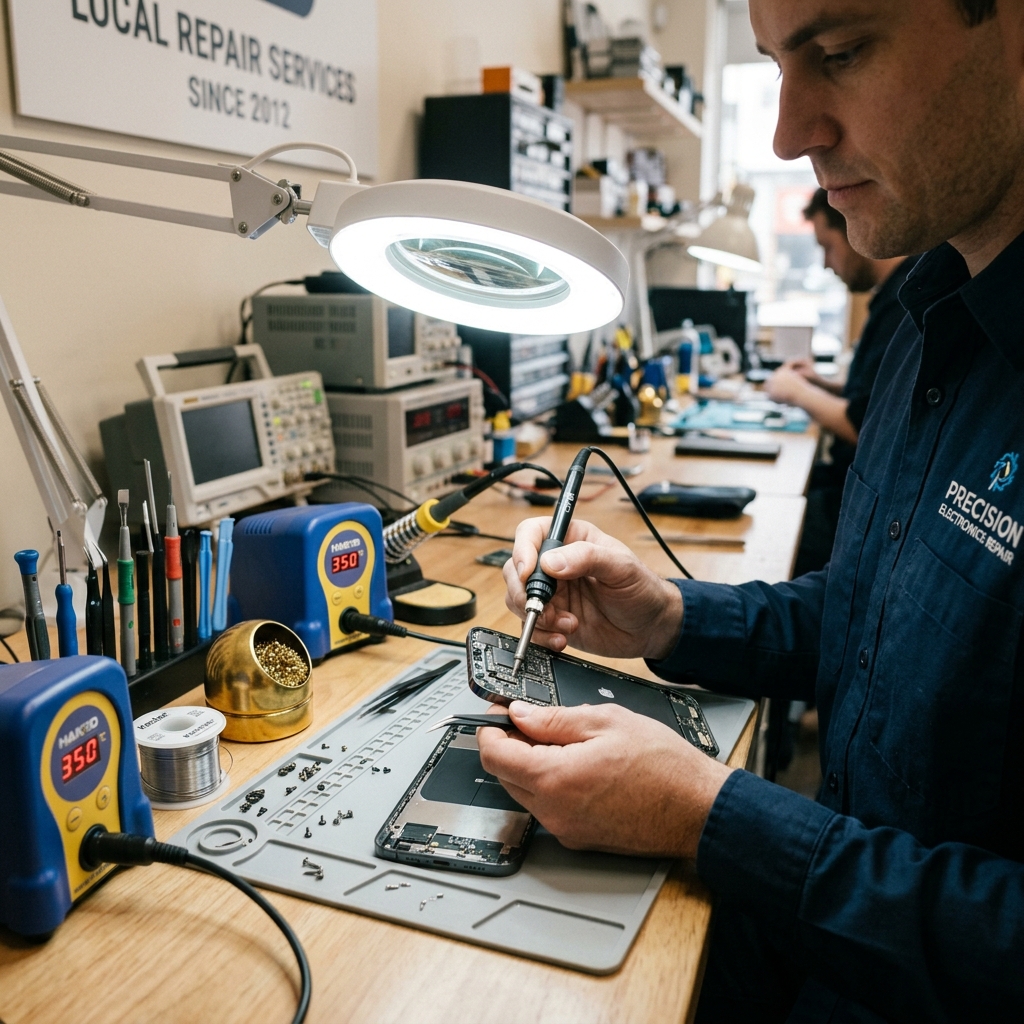
Computer performance diagnostics running on a sluggish system at the Carlsbad repair bench.
Is This You?
People usually search by the problem they can see, not the technical repair name. These are the symptoms this page is designed to help with.
Computer takes several minutes to start or open basic applications
System freezes, hangs, or becomes unresponsive during normal tasks
Fans are loud, the system runs hot, and performance drops under load
The machine used to feel usable but now feels frustrating every day
Sound familiar? Get a quote or service response started today.
Service Details
Slow-computer repair works best when the slowdown is treated as a symptom rather than a single diagnosis.
Some slow systems need repair, some need cleanup, and some need upgrades to become practical again.
Many customers come to this page because they are caught between trying one more repair and buying a replacement too early.
What the Service Includes
Supported Devices and Systems
What to Expect
Mention whether the system is slow all the time, only at startup, only under load, or only after specific updates or downloads.
The goal is to separate storage, memory, heat, malware, and software-clutter causes before recommending a fix.
Once the slowdown is better understood, the repair plan can focus on the option that provides the most useful improvement for the machine.
Ready to start?
If this sounds like the right repair path, start the request now or call for the fastest next step.
Proof and Reviews
Carlsbad, CA
Review coming soon
PendingWe are collecting verified reviews from residential customers. Check back soon or call the shop to hear what others have said about their experience.
Estimate Guidance
Slow-computer pricing depends on whether the solution stays in diagnosis and cleanup or expands into upgrades, replacement parts, or broader repair work. A useful estimate should follow the performance diagnosis, not lead it.
Turnaround Expectations
Timing depends on whether the slowdown has a single obvious cause or several overlapping causes involving storage, heat, software clutter, or failing components.
Why Choose Us
Customers across Carlsbad often search for slow computer repair when the machine still works but wastes too much time every day. A local shop with a real address makes it easier to talk through whether the machine needs repair, cleanup, upgrades, or a transition plan.
Location
Service FAQ
Related Services
support
Computer tune-up service in Carlsbad for systems that need cleanup, maintenance, software optimization, and everyday usability improvements.
upgrade
Hard drive and SSD upgrades in Carlsbad for computers that need faster storage, better reliability, or replacement of aging drives.
upgrade
RAM and memory upgrades in Carlsbad for computers that struggle with multitasking, browser load, office apps, or everyday responsiveness.
Helpful Articles
Repair Guides
Common Reasons a Laptop Won’t Turn On
Learn how to separate no-power problems from no-display problems and which laptop startup failures usually need repair.
Read articleMaintenance
How to Speed Up a Slow Windows PC
A practical checklist for improving a slow Windows PC before you assume the machine is ready for replacement.
Read articleRepair Guides
Is It Better to Repair or Replace a Laptop?
A practical framework for deciding whether a laptop deserves repair, cleanup, upgrades, or replacement planning.
Read articleNext Step
Use the request-service form to send the issue details first, or call the shop if the problem is urgent and you want the fastest response.