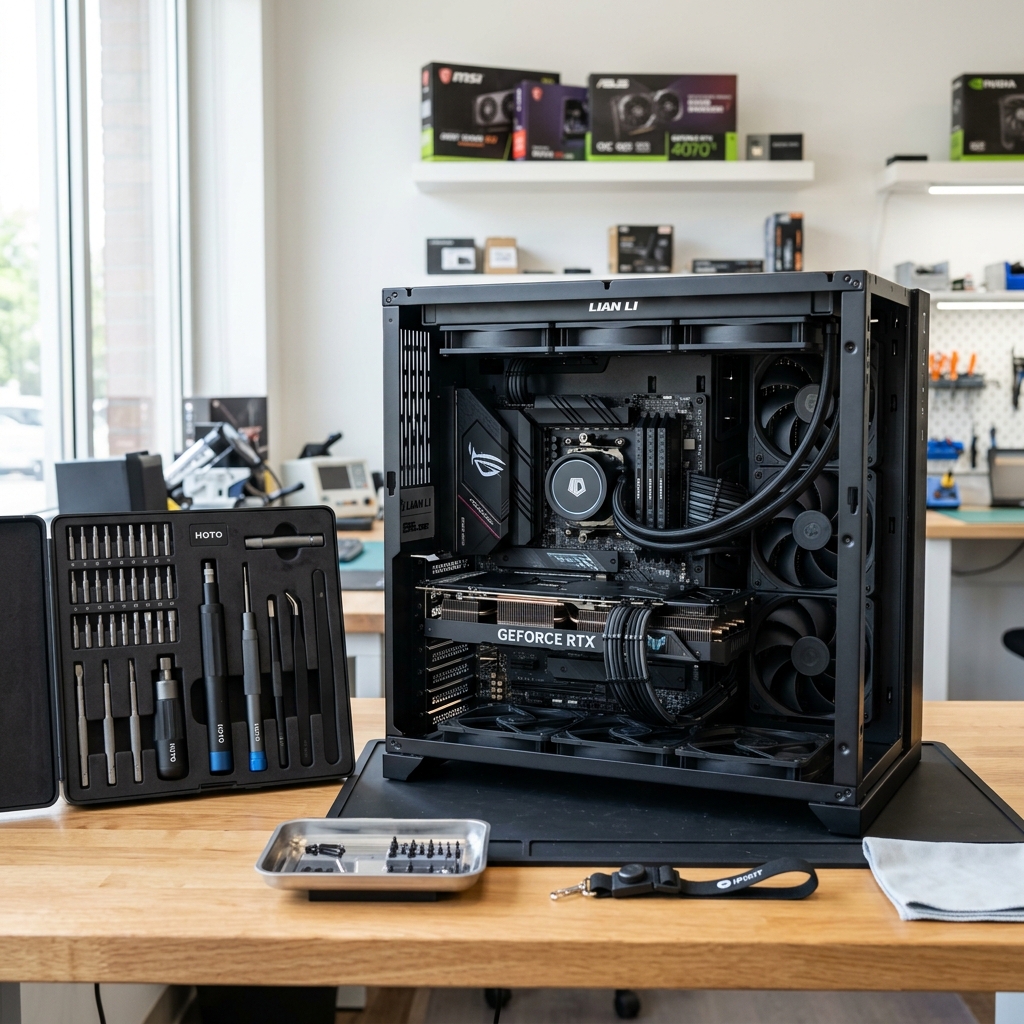
!
New computer is ready but the files still live on the old one
2365 Marron Rd, Unit B
File migration support
Data transfer is the practical service path when the priority is getting important files from one system to another safely, whether the computer is being replaced, upgraded, or repaired. Our Carlsbad data-transfer service handles that transition more carefully than a casual copy-and-paste attempt.
Computer data transfer in Carlsbad for moving files to a new device, replacing an old drive, or preparing for repair or replacement.
What we cover
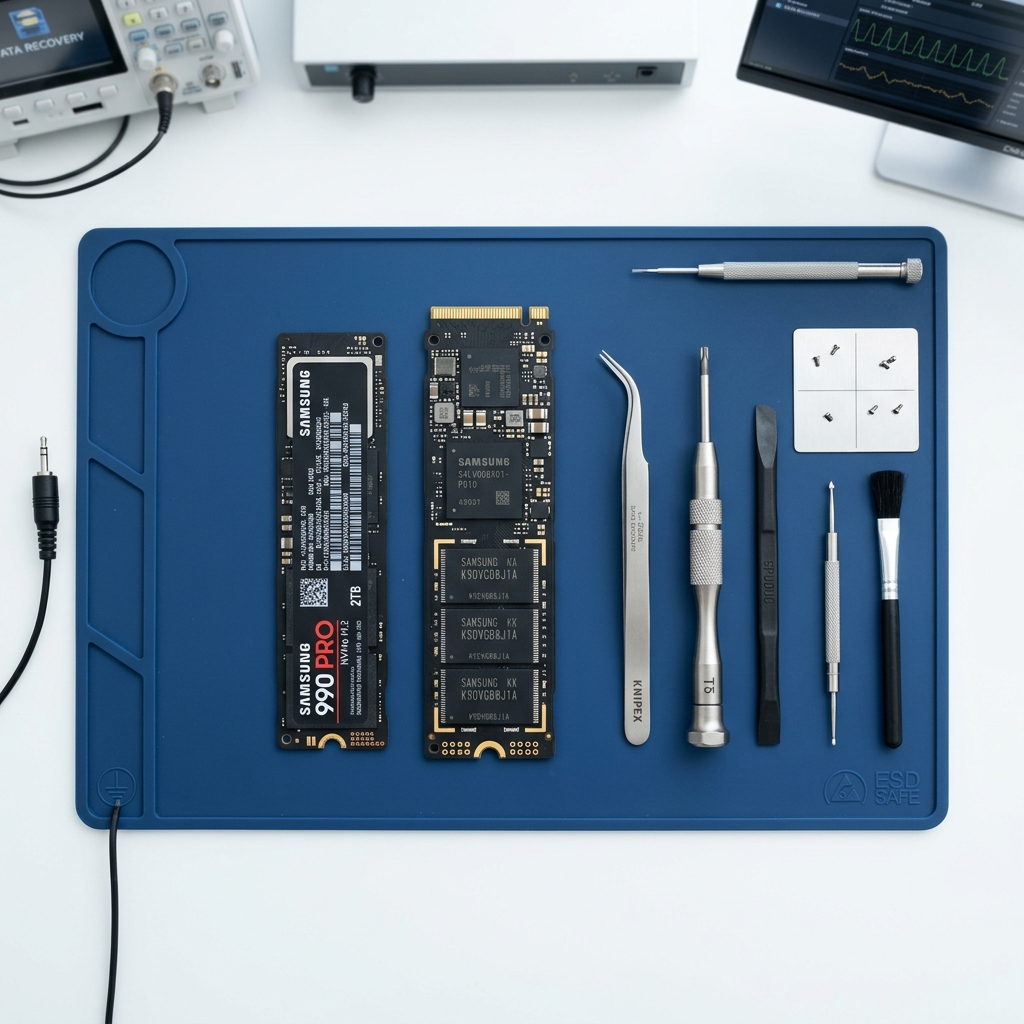
Two computers and external storage arranged for a careful local file-transfer session in Carlsbad.
Is This You?
People usually search by the problem they can see, not the technical repair name. These are the symptoms this page is designed to help with.
New computer is ready but the files still live on the old one
Upgrade or repair is planned and the data needs to be moved first
The old device still works enough for transfer but not for long-term use
Important folders, photos, and documents need an organized migration path
Sound familiar? Get a quote or service response started today.
Service Details
Data transfer often works best when it happens before the aging system becomes completely unreliable.
Customers often care about specific folders, media libraries, email archives, desktop files, or work documents rather than a vague statement that “everything” needs to move.
The value of a good data transfer is not just that the files move. It is that the new or repaired system becomes practical to use more quickly afterward.
What the Service Includes
Supported Devices and Systems
What to Expect
Mention whether the files are moving from an old computer to a new one, to upgraded storage, or as part of a repair transition.
The transfer path should account for what matters most and whether the source device is still stable enough for routine migration.
Once the source device and destination are clearer, the best transfer path can be explained more practically.
Ready to start?
If this sounds like the right repair path, start the request now or call for the fastest next step.
Proof and Reviews
Carlsbad, CA
Review coming soon
PendingWe are collecting verified reviews from data recovery and transfer customers. Contact us to learn more about our approach to handling important files.
Estimate Guidance
Data-transfer pricing depends on how much data is involved, how organized the source system is, and whether the move stays routine or overlaps with a failing drive, unstable computer, or broader setup work.
Turnaround Expectations
Timing depends on the amount of data, the condition of the source system, and whether the transfer is straightforward or attached to a more urgent repair, replacement, or recovery situation.
Why Choose Us
Customers across Carlsbad often need file transfer help when the old computer is still barely usable and the next device is waiting. The Marron Rd location gives them a local place to sort out what should move first and how safely the transition should happen.
Location
Service FAQ
Related Services
recovery
Data recovery in Carlsbad for failing drives, unreadable storage, accidental deletion concerns, and urgent file-access problems.
upgrade
Hard drive and SSD upgrades in Carlsbad for computers that need faster storage, better reliability, or replacement of aging drives.
repair
General computer repair in Carlsbad for startup failures, crashes, hardware faults, slow systems, and mixed home or office device issues.
Helpful Articles
Data Care
How to Back Up Photos Before a Repair
A clear process for backing up family photos safely before repair without assuming the computer will stay stable forever.
Read articleData Care
How to Transfer Data to a New Computer
A practical step-by-step guide to moving files and important settings to a new computer without leaving critical data behind.
Read article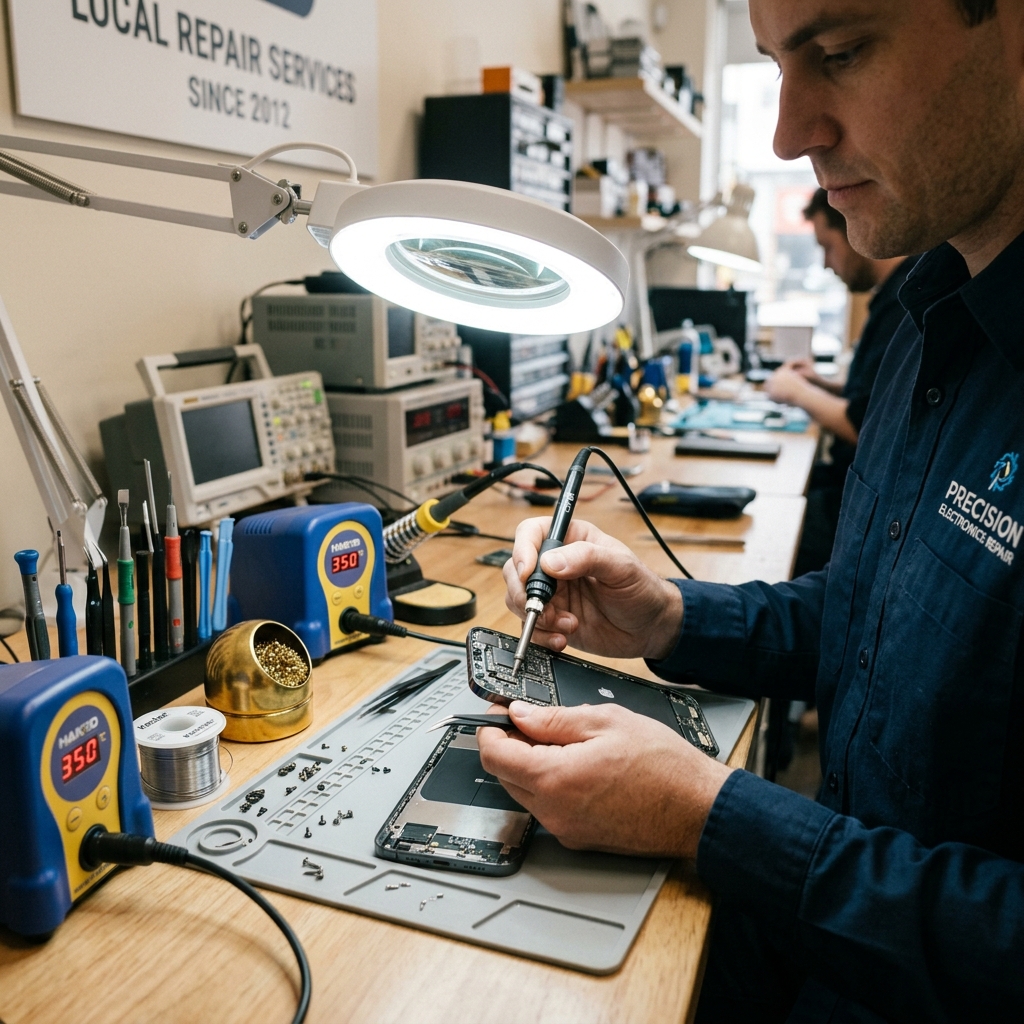
Maintenance
Seasonal Tech Maintenance Checklist for Carlsbad Families
A practical seasonal checklist for keeping home laptops, desktops, routers, and family photo libraries in better shape year round.
Read articleNext Step
Use the request-service form to send the issue details first, or call the shop if the problem is urgent and you want the fastest response.