!
Drive is not recognized or files no longer open properly
2365 Marron Rd, Unit B
File and storage recovery
Data recovery is one of the highest-stress repair conversations because people are usually worried about irreplaceable files, business records, or years of personal photos at the exact moment the device becomes unreliable. We keep that conversation careful and honest.
Data recovery in Carlsbad for failing drives, unreadable storage, accidental deletion concerns, and urgent file-access problems.
What we cover
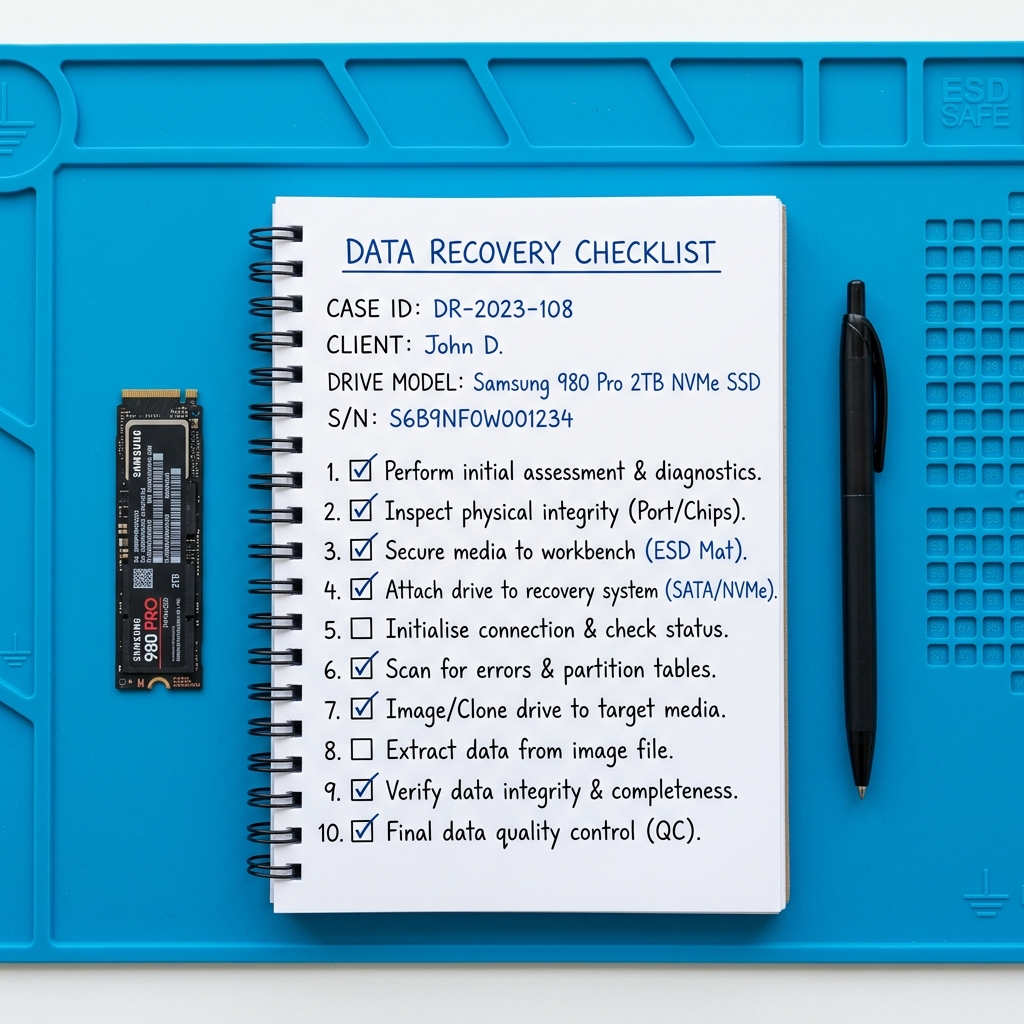
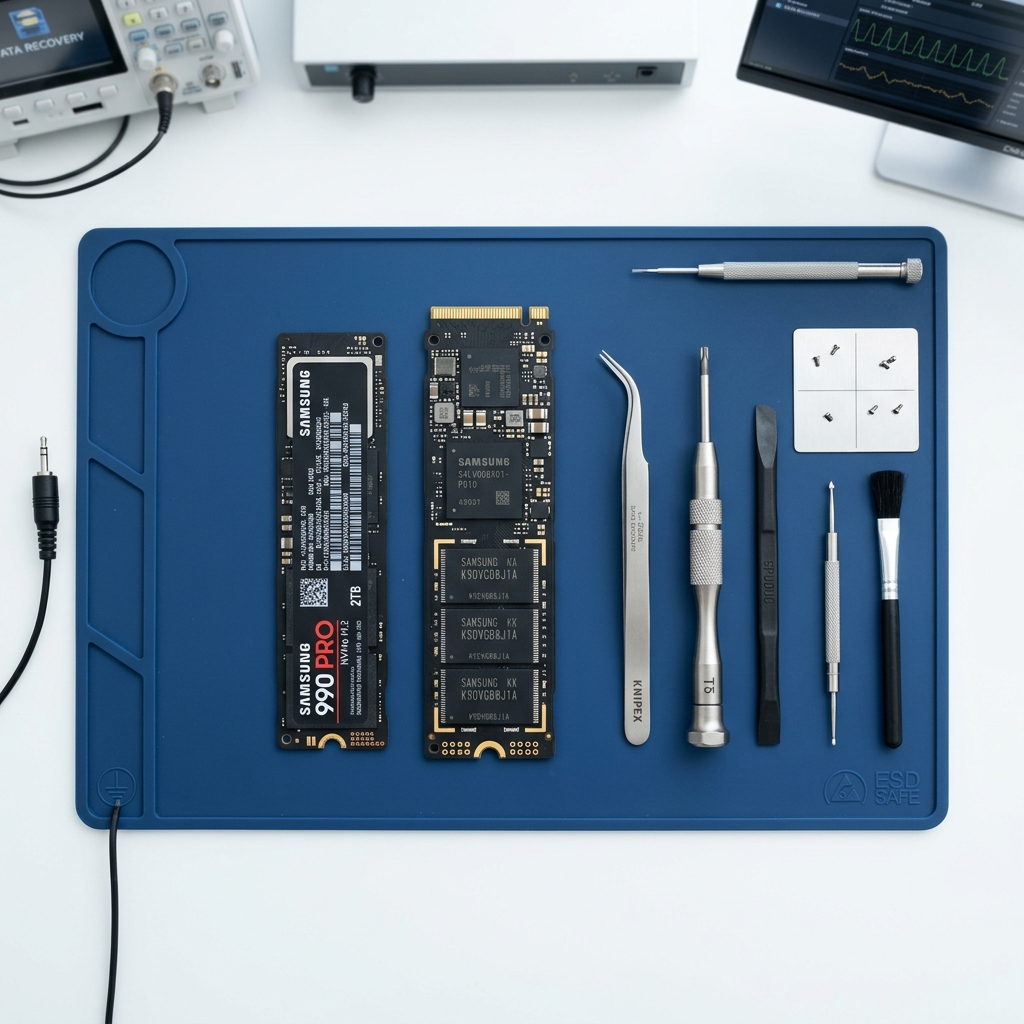
Failing drive and recovery notes on a Carlsbad workbench during a file-access case review.
Is This You?
People usually search by the problem they can see, not the technical repair name. These are the symptoms this page is designed to help with.
Drive is not recognized or files no longer open properly
Computer boots slowly and storage health seems unstable
Clicking, read errors, or sudden file corruption appeared
Important files were deleted or became inaccessible after a failure
Sound familiar? Get a quote or service response started today.
Service Details
Data recovery cases often become harder when a failing drive is forced through repeated restarts, random software tools, or continued heavy use after the first warning signs.
Some cases are simple data transfers from a computer that still works. Others involve failing media, damaged partitions, or file systems that no longer behave normally.
Customers usually care about specific folders, photos, business documents, or years of records, not just a generic statement that “data matters.”
What the Service Includes
Supported Devices and Systems
What to Expect
If the drive or computer is acting worse over time, continued use can reduce the remaining recovery options.
Mention whether the priority is family photos, work documents, email archives, accounting records, or another specific file set.
After the problem is clearer, the shop can explain whether the right next step is transfer, recovery work, or a related storage replacement plan.
Ready to start?
If this sounds like the right repair path, start the request now or call for the fastest next step.
Proof and Reviews
Carlsbad, CA
Review coming soon
PendingWe are collecting verified reviews from data recovery and transfer customers. Contact us to learn more about our approach to handling important files.
Estimate Guidance
Recovery pricing depends on the type of failure, how accessible the data still is, and whether the case is a straightforward transfer or a deeper storage problem that needs more careful work. Treat early price questions as preliminary until the media condition is better understood.
Turnaround Expectations
Recovery timing depends on the drive condition, the urgency of the files, and whether the data is partially readable or tied to a more serious media failure. Urgent business or personal file concerns are best discussed directly by phone.
Why Choose Us
When a drive starts failing, local trust matters because customers need to decide quickly whether to keep using the machine, shut it down, or bring it in. The Marron Rd shop gives Carlsbad customers a direct place to make that decision with real local guidance.
Location
Service FAQ
Related Services
recovery
Computer data transfer in Carlsbad for moving files to a new device, replacing an old drive, or preparing for repair or replacement.
upgrade
Hard drive and SSD upgrades in Carlsbad for computers that need faster storage, better reliability, or replacement of aging drives.
repair
General computer repair in Carlsbad for startup failures, crashes, hardware faults, slow systems, and mixed home or office device issues.
Helpful Articles
Data Care
How to Back Up Photos Before a Repair
A clear process for backing up family photos safely before repair without assuming the computer will stay stable forever.
Read articleData Care
How to Transfer Data to a New Computer
A practical step-by-step guide to moving files and important settings to a new computer without leaving critical data behind.
Read articleData Care
Signs Your Hard Drive Is Failing
Learn the most common warning signs of a failing hard drive and when to stop using the computer before data loss gets worse.
Read articleNext Step
Use the request-service form to send the issue details first, or call the shop if the problem is urgent and you want the fastest response.