!
Computer turns on but software, setup, or account issues block normal use
2365 Marron Rd, Unit B
Remote support
Not every computer problem needs a trip to the shop before the first useful step happens. Remote support is the right path when the issue is software-oriented, configuration-related, or otherwise a good fit for guided troubleshooting without opening the computer first.
Remote computer support in Carlsbad for software issues, setup help, Outlook problems, security cleanup follow-up, and practical troubleshooting that does not require a bench visit first.
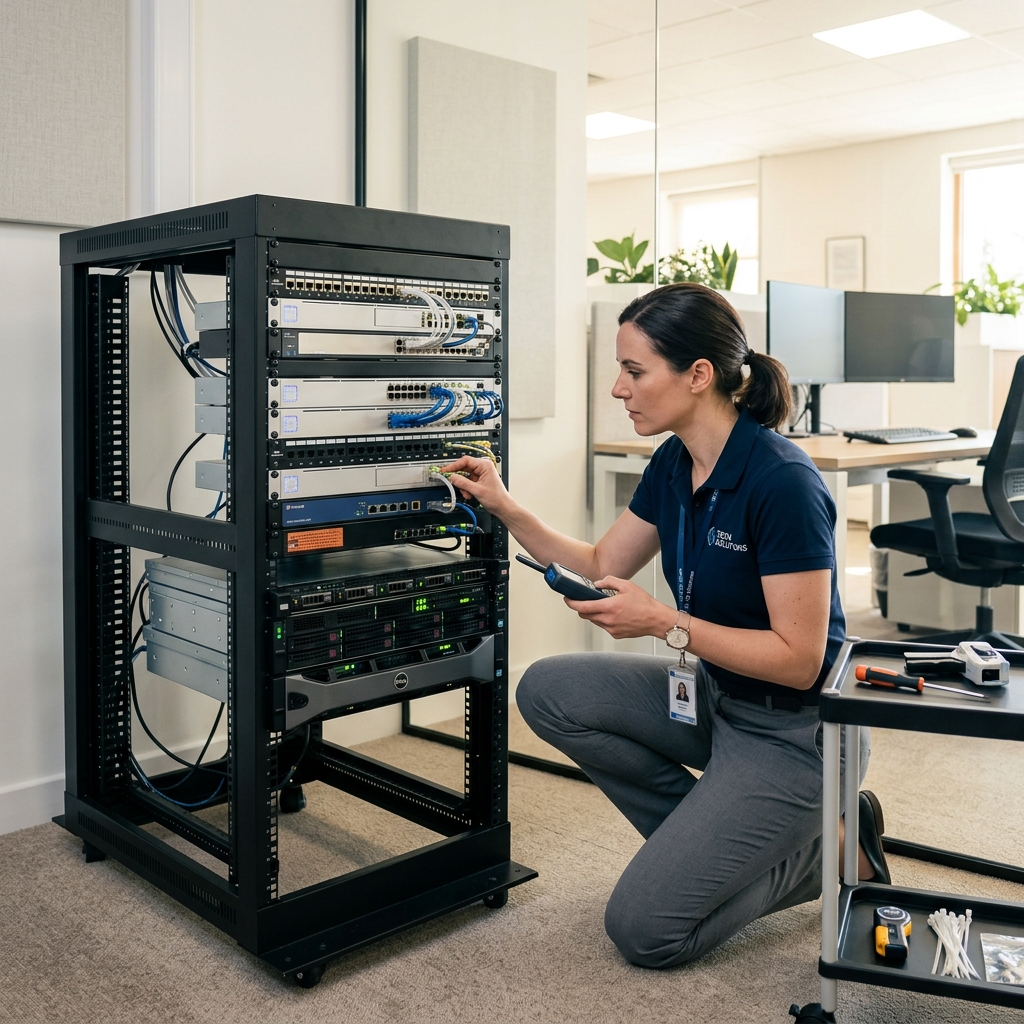
What we cover
Remote support session notes and software troubleshooting checklist prepared for a Carlsbad customer.
Is This You?
People usually search by the problem they can see, not the technical repair name. These are the symptoms this page is designed to help with.
Computer turns on but software, setup, or account issues block normal use
Outlook, printer, or app problems need guided troubleshooting first
Security cleanup follow-up or tune-up work may not need an immediate visit
The issue needs support fast but may not require opening the hardware
Sound familiar? Get a quote or service response started today.
Service Details
Remote support is strongest when the device still runs well enough for guided troubleshooting and the issue is tied more to setup, software, or accounts than internal hardware.
Good remote support should make the next step clearer, whether that means fixing the problem outright or deciding the machine does need an in-shop visit after all.
Remote help only works when the access process is explained clearly and the user knows what kind of problem is being addressed.
What the Service Includes
Supported Devices and Systems
What to Expect
The first question is whether the device still turns on, connects, and behaves well enough for remote troubleshooting to be useful.
The goal is to separate software and setup cases from hardware failures that should move to in-shop diagnosis instead.
Once the issue is better understood, the remote path can either address it directly or point to the shop with a more focused next step.
Ready to start?
If this sounds like the right repair path, start the request now or call for the fastest next step.
Proof and Reviews
Carlsbad, CA
Review coming soon
PendingWe are collecting verified reviews from business customers. Contact us to learn how we support local offices, remote teams, and small-business technology needs.
Carlsbad, CA
Review coming soon
PendingWe are collecting verified reviews from customers who needed virus or malware removal. Reach out to hear how we have helped others with security concerns.
Estimate Guidance
Remote-support pricing depends on the scope of the issue, whether it stays contained to guided troubleshooting, and whether the session turns into a broader setup or follow-up support conversation.
Turnaround Expectations
Timing depends on how quickly the issue can be reproduced, whether account or provider variables are involved, and whether remote work is enough or simply the first step before in-shop service.
Why Choose Us
Remote help works best when it is backed by a real local business with a real address if the issue becomes more serious than expected. The Carlsbad storefront gives remote-support customers that fallback path and local accountability.
Location
Service FAQ
Related Services
support
Email and Outlook repair in Carlsbad for send-receive failures, sync issues, profile problems, password prompts, and account setup trouble.
support
Computer tune-up service in Carlsbad for systems that need cleanup, maintenance, software optimization, and everyday usability improvements.
support
Wi-Fi and network troubleshooting in Carlsbad for unstable connections, device dropouts, weak coverage, and small-office connectivity problems.
Helpful Articles
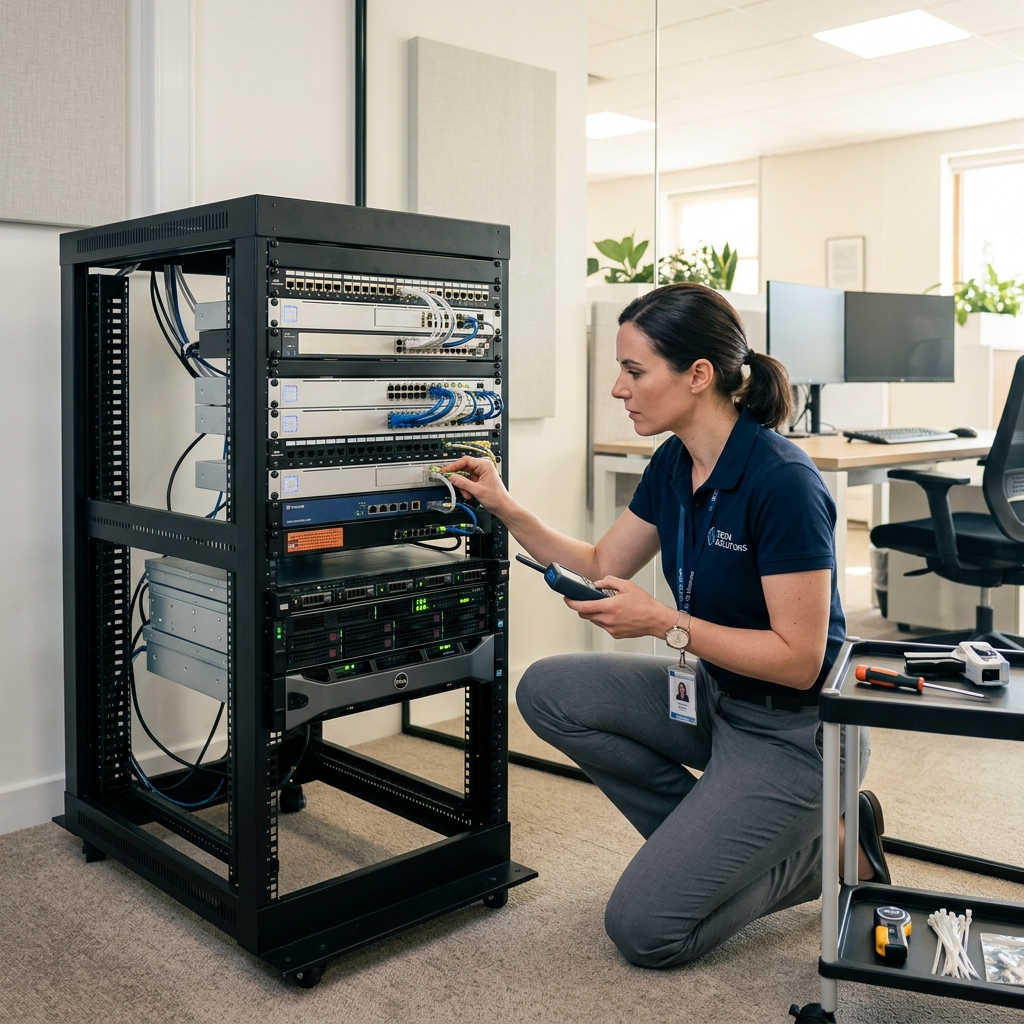
Small Business
How Small Businesses in Carlsbad Can Reduce Downtime
A practical guide for local small businesses that want fewer computer emergencies and faster recovery when problems do happen.
Read article
Security
How Virus Removal Works
A plain-language look at what virus and malware cleanup usually involves, from symptom review to post-cleanup hardening.
Read articleSmall Business
Outlook and Email Problems Small Businesses See Most
A practical guide to the email and Outlook issues that create the most disruption for small businesses and hybrid teams.
Read articleNext Step
Use the request-service form to send the issue details first, or call the shop if the problem is urgent and you want the fastest response.