!
Wi-Fi drops constantly or works only in parts of the space
2365 Marron Rd, Unit B
Network support
Network problems can look random until they are not. A device drops off Wi-Fi, a printer will not connect, meetings freeze, or one room in the house always has a weak signal. We handle Carlsbad Wi-Fi and network troubleshooting when connectivity is the real problem.
Wi-Fi and network troubleshooting in Carlsbad for unstable connections, device dropouts, weak coverage, and small-office connectivity problems.

What we cover
Router, laptop, and network troubleshooting notes laid out for a local Wi-Fi support case in Carlsbad.
Is This You?
People usually search by the problem they can see, not the technical repair name. These are the symptoms this page is designed to help with.
Wi-Fi drops constantly or works only in parts of the space
Internet speed feels inconsistent or worse than expected
Devices connect sometimes but not reliably across the network
Network issues are affecting work, meetings, printers, or daily household use
Sound familiar? Get a quote or service response started today.
Service Details
Good network troubleshooting starts by asking whether the problem is with the service coming into the building or with the wireless and device behavior inside it.
Network problems are often experienced through a specific frustration like dropped meetings, broken printer access, or a dead zone that interrupts work every day.
A useful network repair conversation should aim for dependable real-world use, not just one speed test result.
What the Service Includes
Supported Devices and Systems
What to Expect
Mention whether the issue affects one room, one device, one printer, or the whole home or office workflow.
The goal is to separate provider, router, wireless, and device-level causes before deciding on the support path.
Once the issue is clearer, the shop can explain whether remote help, an in-shop check, or an on-site visit is the better next step.
Ready to start?
If this sounds like the right repair path, start the request now or call for the fastest next step.
Proof and Reviews
Carlsbad, CA
Review coming soon
PendingWe are collecting verified reviews from business customers. Contact us to learn how we support local offices, remote teams, and small-business technology needs.
Estimate Guidance
Network-troubleshooting pricing depends on the complexity of the setup, the number of devices involved, and whether the issue can be narrowed down remotely or needs broader local-environment troubleshooting.
Turnaround Expectations
Timing depends on whether the problem is isolated quickly, whether more than one device is involved, and whether the issue needs a follow-up on-site conversation to confirm the fix.
Why Choose Us
Customers in neighborhoods like Aviara, Rancho Carrillo, and South Carlsbad often search for local Wi-Fi help when the issue is affecting work, meetings, or shared household use. The shop provides a nearby support path for sorting out whether the problem is local, provider-related, or device-specific.
Location
Service FAQ
Related Services
support
Printer setup and troubleshooting in Carlsbad for wireless printers, driver issues, office printer problems, and devices that will not print reliably.
support
Remote computer support in Carlsbad for software issues, setup help, Outlook problems, security cleanup follow-up, and practical troubleshooting that does not require a bench visit first.
support
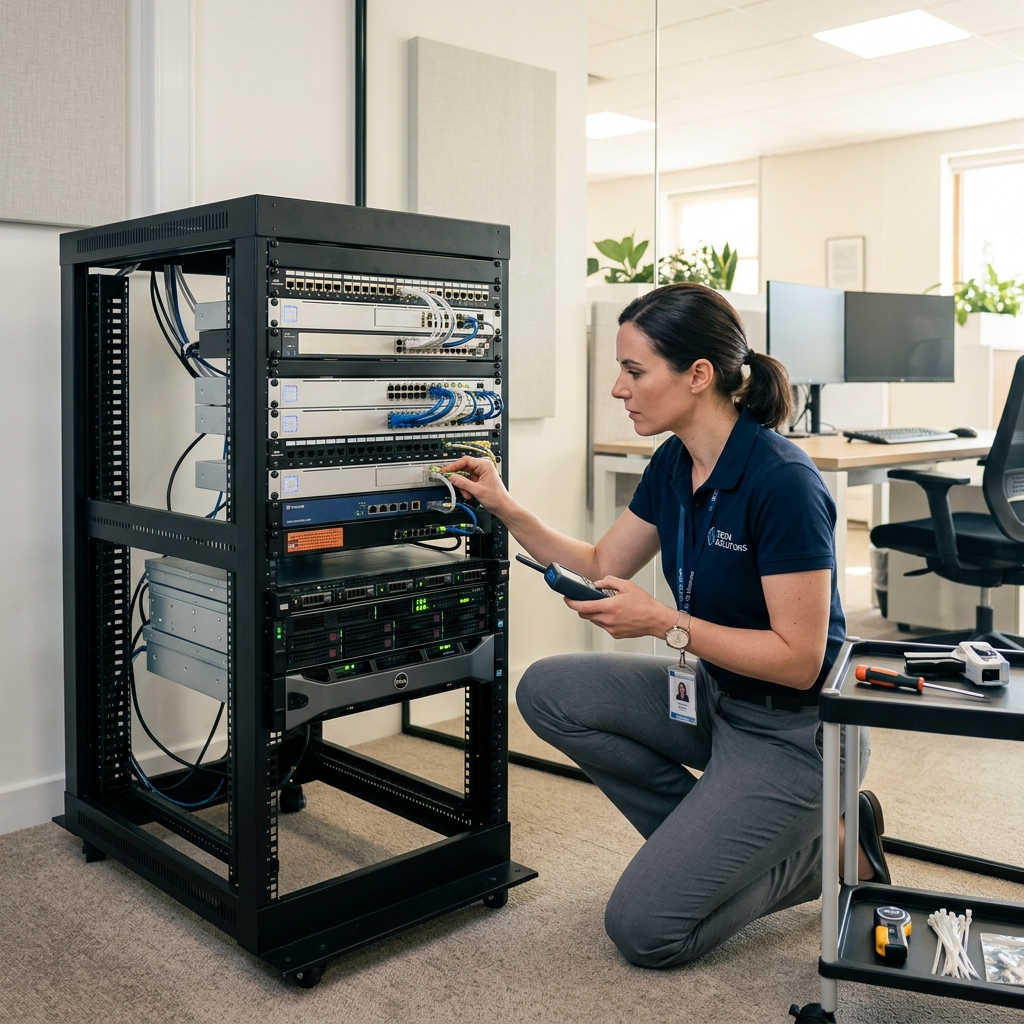
Small-business computer support in Carlsbad for office PCs, remote workers, printers, Wi-Fi issues, recurring workstation problems, and local support needs.
Helpful Articles
Small Business
How Small Businesses in Carlsbad Can Reduce Downtime
A practical guide for local small businesses that want fewer computer emergencies and faster recovery when problems do happen.
Read articleSmall Business
Outlook and Email Problems Small Businesses See Most
A practical guide to the email and Outlook issues that create the most disruption for small businesses and hybrid teams.
Read article
Maintenance
Seasonal Tech Maintenance Checklist for Carlsbad Families
A practical seasonal checklist for keeping home laptops, desktops, routers, and family photo libraries in better shape year round.
Read articleNext Step
Use the request-service form to send the issue details first, or call the shop if the problem is urgent and you want the fastest response.